 Portraitwise
LinkedIn portraits2 min readSee the latest articles
Seven settings that bring a LinkedIn profile to life
Banner, headline, About section, experience, recommendations: the settings that extend the effect of your photo, and how to measure their impact in thirty days.
 Written byLa rédaction
This article belongs to the section LinkedIn portraits
The photo is only the first signal
A good profile picture gets your page opened. It does nothing more. What happens next depends on six or seven elements most profiles leave at their default, although they take under an hour in total. The reading order is stable: photo, headline, banner, the opening of the About section, first experience.
The banner: the only free space
The banner is the most visible and most neglected element of a profile. By default it is a gray block filling the top quarter of the screen. A plain color from your world, a short sentence, a discreet logo — anything changes the perception of seriousness. One technical constraint matters more than the graphics: the profile picture covers the lower-left corner and the crop differs on mobile, so keep anything important centerd and to the right.
The headline: the most-read line of your profile
| Default headline | Rewritten headline | What changes |
|---|---|---|
| Senior consultant | Consultant — operations transformation in industry | We know what and for whom |
| Master’s student | Law student — seeking an apprenticeship in Lyon | An explicit intention |
| Freelance | Freelance writer — health and life sciences | An identifiable specializm |
| Sales director | Sales leadership — software for local government | A named market |
The About section: the structure that works
Only the first two or three lines show before the “see more” button, so they must carry the essentials and never an introductory formula. A four-part structure works well: what you do today and the problem you address, a paragraph of proof with a dated figure, a paragraph of differentiation, and a contact line explaining how and why to reach you.
Experience: results rather than duties
The experience section is almost always written like a job description: responsibilities, infinitive verbs, no results. A responsibility describes what you were meant to do; a result describes what changed because you were there. For each line, add a measurable consequence. Three such lines beat ten lines of duties.
Recommendations and skills: how to get them
Written recommendations are the only part of the profile you do not control, which is exactly what gives them weight. They are obtained by asking: most people agree, few think of it spontaneously. Make the request specific. For skills, declare no more than fifteen, pin the three that match your headline, and delete those belonging to a previous professional life.
Measuring the effect in thirty days
Profile views are the worst indicator: they depend mostly on your posting activity. Compare search appearances, the views-to-appearances ratio, and qualified inbound messages instead. One method rule: change one element at a time and wait thirty days. If you must start somewhere, start with the photo — it is the only element seen before anyone decides to read.
Start with the first signal
Get a professional portraitWritten by
La rédaction
Editorial team
Articles are written by the team that builds Portraitwise. They cover framing, light, tools and image rights.
Read next
Reference page: LinkedIn headshots
Frequently asked questions
Do you need to post regularly for a profile to work?
- Posting increases visibility, but a well-written profile works continuously without recurring effort. Start with the profile: it is a one-off investment.
What size should a LinkedIn banner be?
- A wide format of around 1,584 by 396 pixels, with important elements centerd and to the right: the profile picture covers the lower-left corner and the mobile crop is tighter.
Should the headline contain keywords?
- One or two, worked into a readable sentence. A string of keywords separated by pipes hurts human reading without a decisive advantage.
How many recommendations are needed?
- Three to five, specific and recent, are plenty. Quality matters more than quantity, and a ten-year-old recommendation tends to work against you.
Your professional portrait, made from your own photos
Send at least 8 pictures of yourself, pick your styles, get a batch of 4K portraits ready to publish.
In the same section
All articles in this section
LinkedIn profile picture: framing, light and outfit
Technical limits, framing, light, clothing and expression: the full method for a LinkedIn profile picture that stays sharp, credible and up to date.
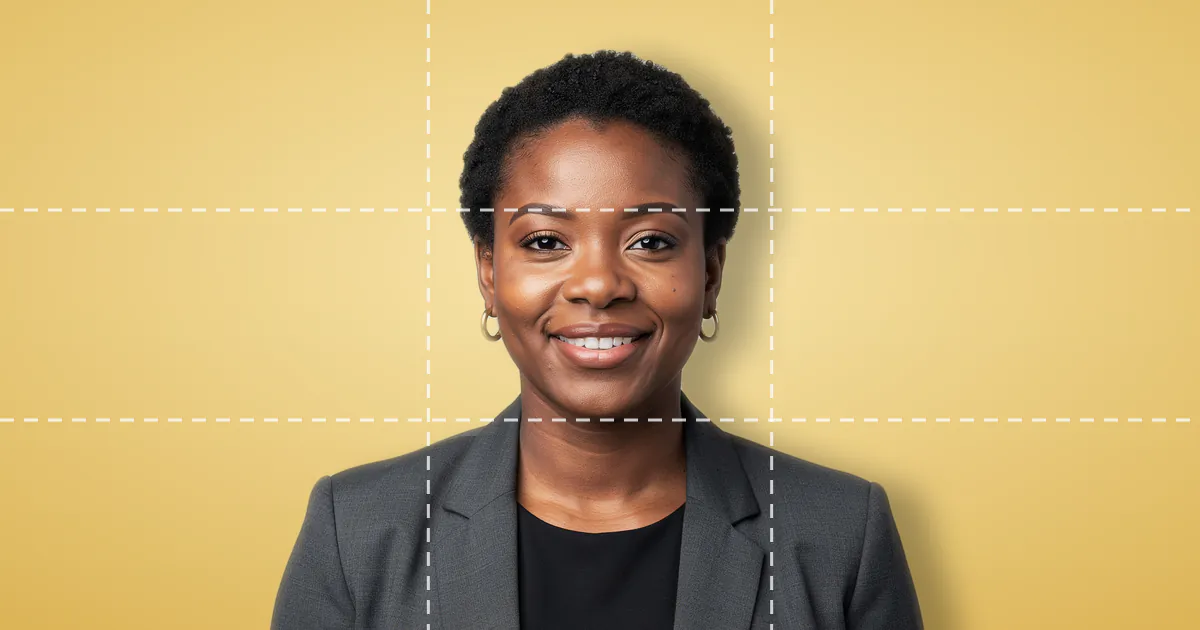
The eleven criteria of a good professional photo
Face, framing, rendering: the eleven-criteria grid our free analyzer uses, with its weightings and a ten-minute self-diagnosis method.
Should you put a photo on your resume? Seven mistakes to avoid
Should a resume carry a photo at all? And if so, how to avoid the seven framing, background and clothing mistakes that get applications set aside before reading.