 Portraitwise
AI photo retouching and editing: a retouch workflow for your headshots
Nine tools to adjust an already delivered headshot, without rerunning the session or opening any software.
Open my workspaceA delivered headshot is never set in stone
Each tool acts on one thing at a time, so the result stays predictable.
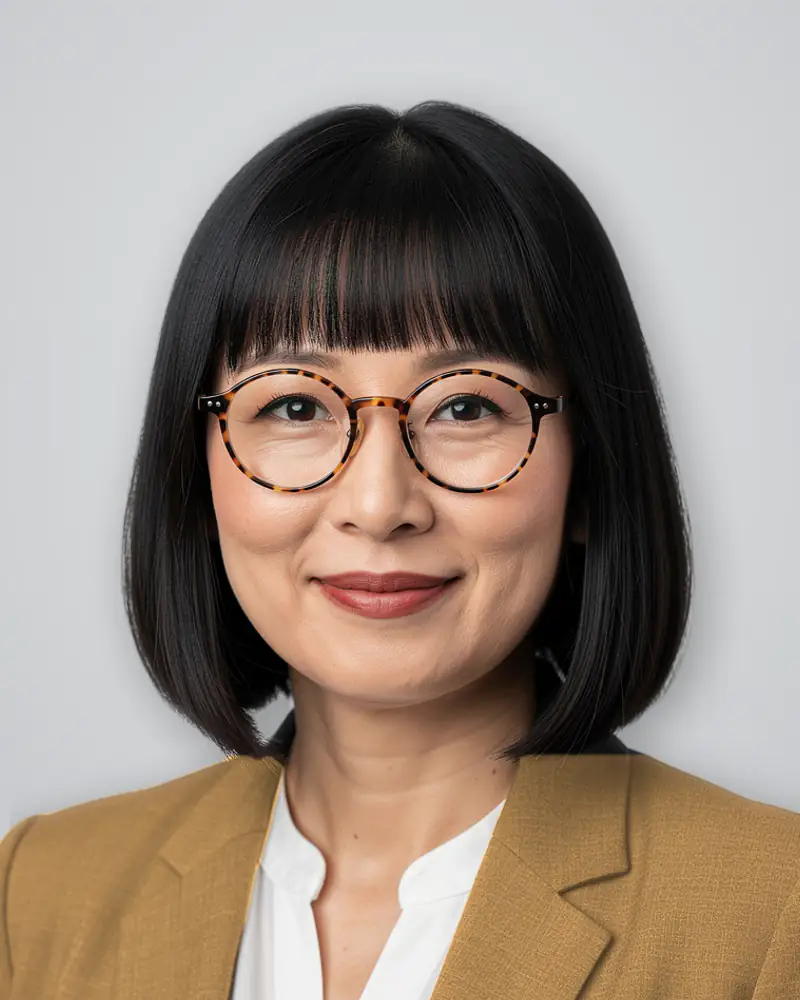
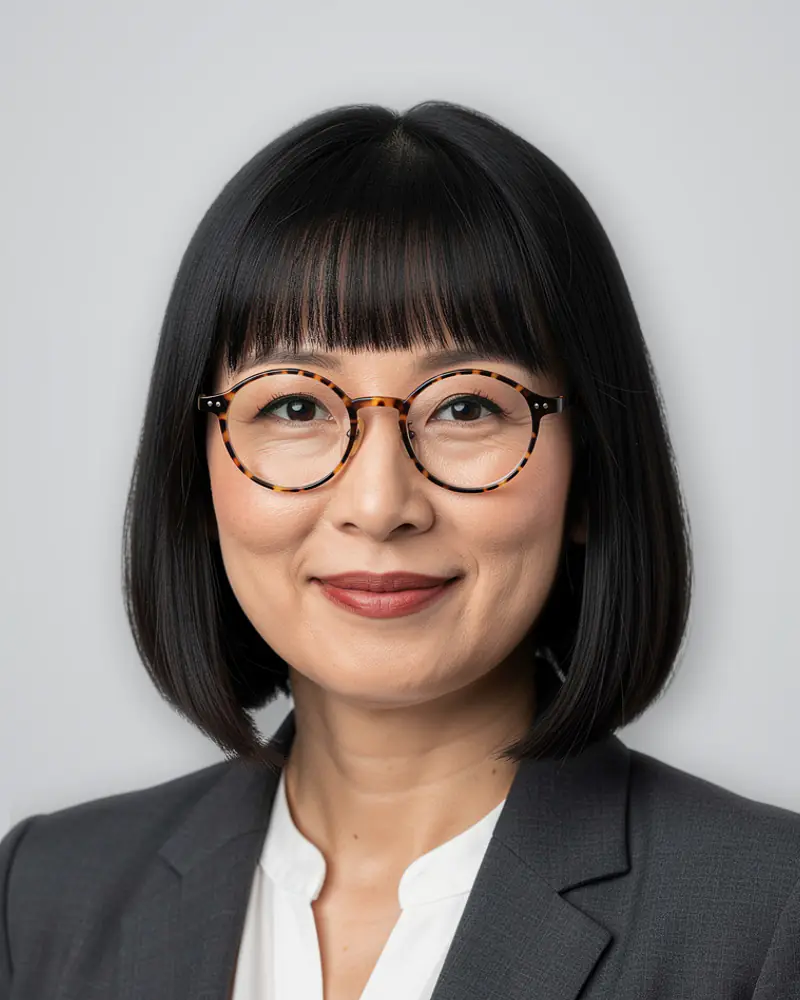
Outfit
Change the jacket without changing the face.
Pick a new outfit from the catalogue: the cut, the cast shadow and the light are recomputed, while the face and the pose stay untouched.
Handy for declining the same headshot in a corporate version and a casual one.
1 credit2 to 4 images · around 4 minutes
Background
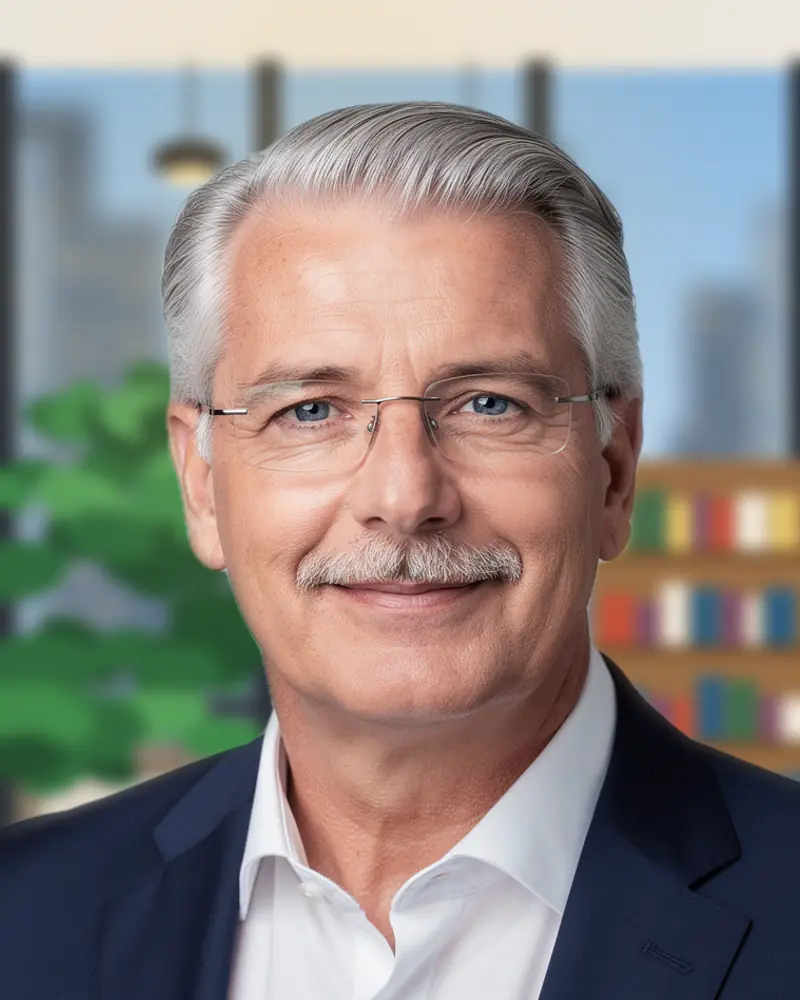
A setting that fits your field.
Office, plain wall, urban exterior: the background is replaced with a depth of field consistent with the original framing.
Hair edges are reworked separately, exactly where automatic cut-outs leave a halo.
1 credit2 to 4 images · around 4 minutes
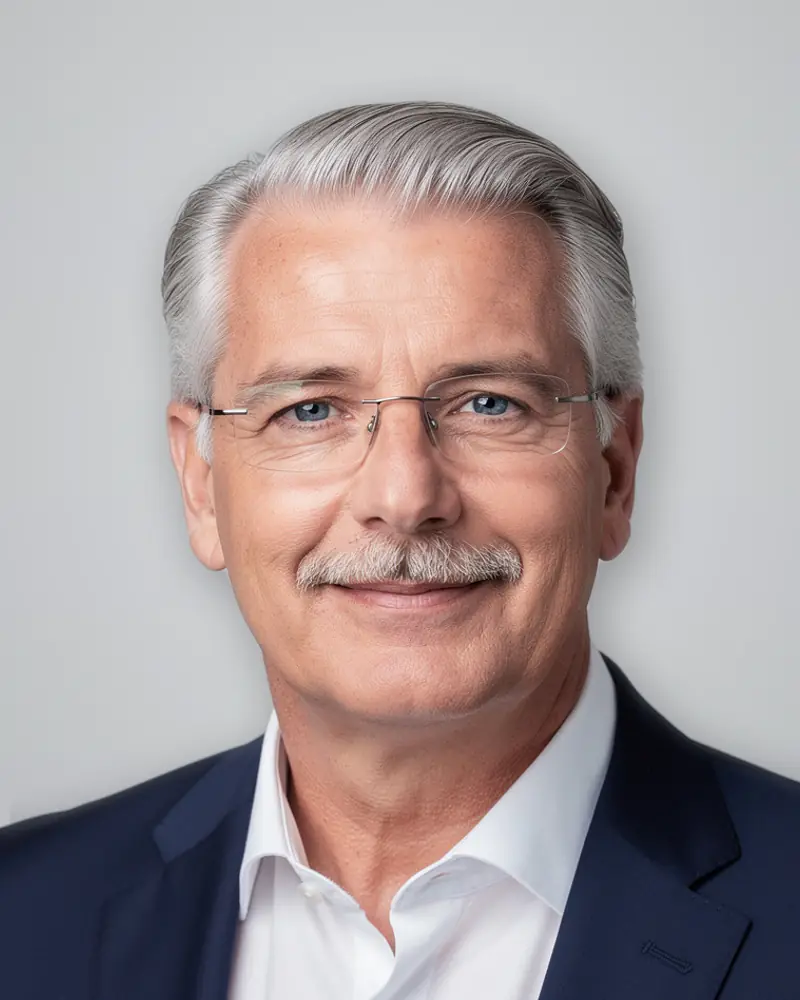
Skin corrector
Even out without smoothing.
One button, no settings: the complexion is evened out and the skin grain is preserved.
The effect stays deliberately discreet: that is what separates a correction from a filter.
1 credit2 to 4 images · around 4 minutes
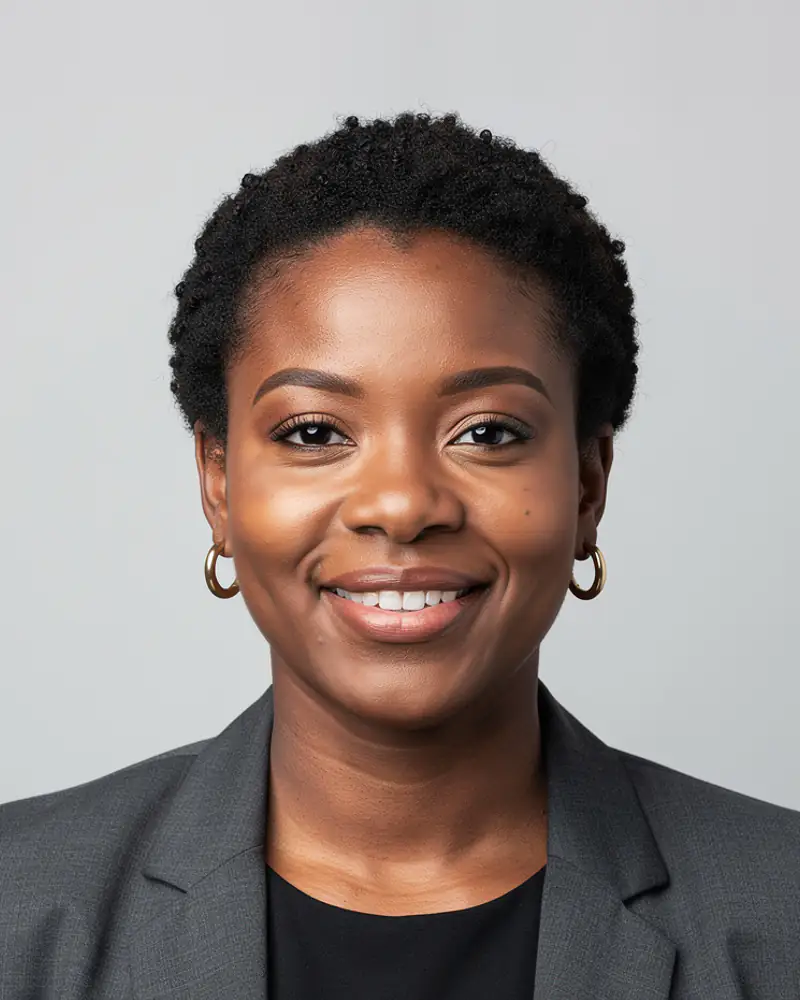
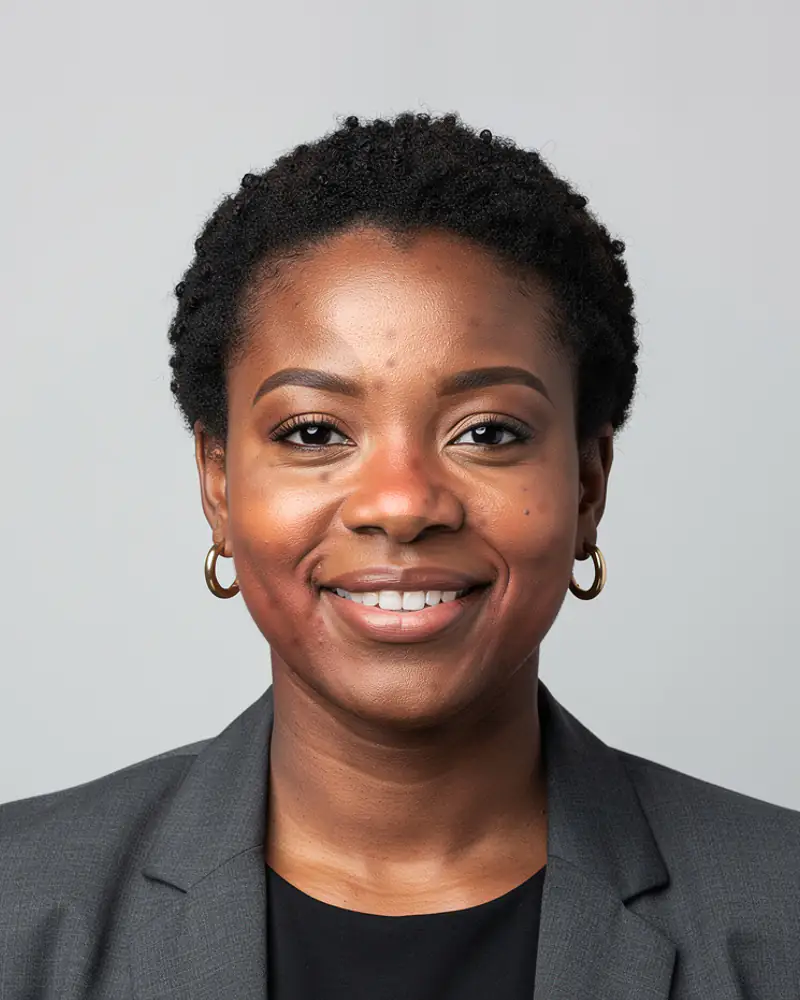
Gaze
A sharp gaze, aimed at the lens.
Fixes a slightly off gaze, a blink or a missing catchlight in the iris.
The intensity stays low: beyond that, the result stops looking like you.
1 credit2 to 4 images · around 4 minutes
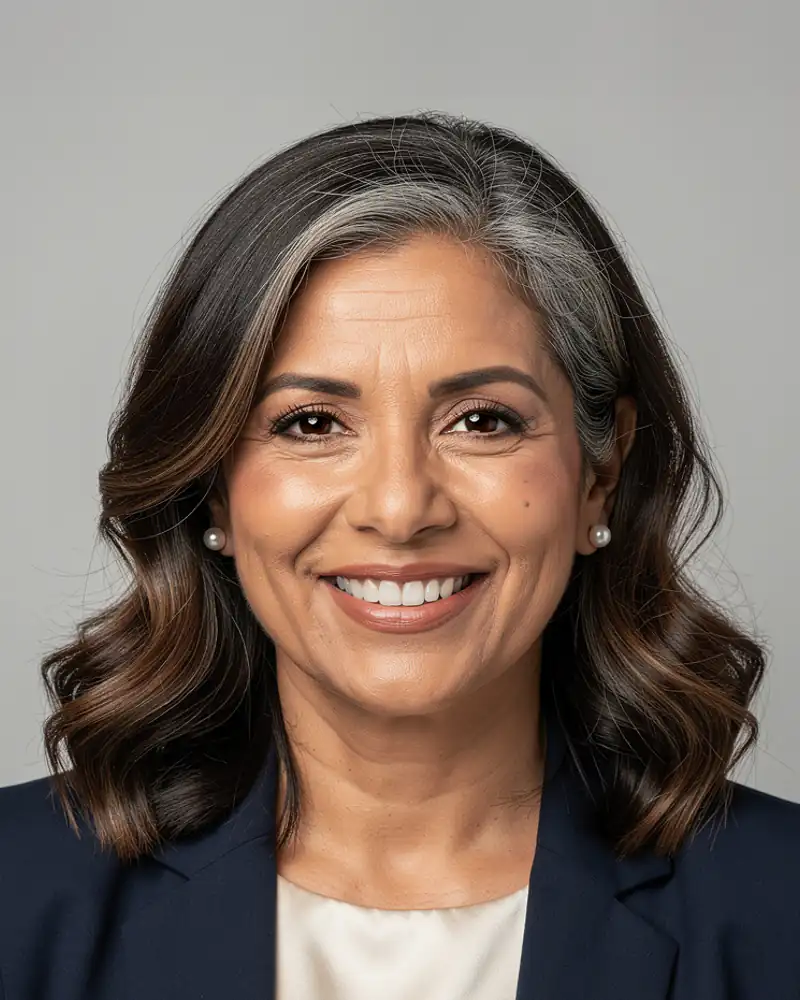
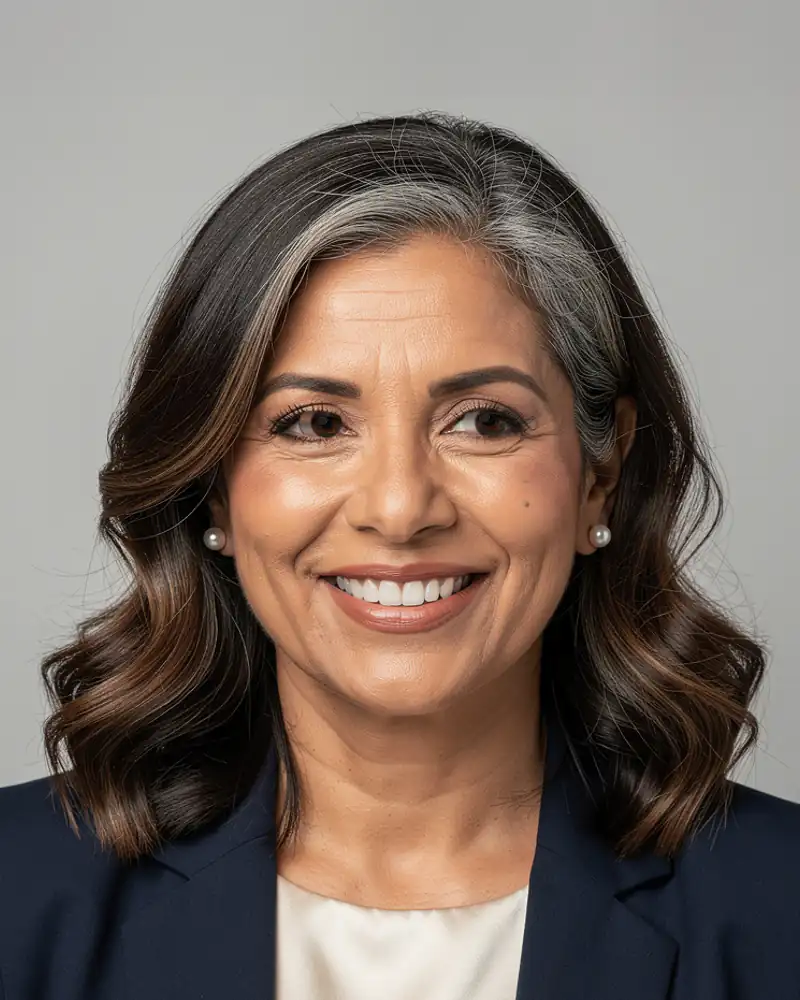
Cut-out
A transparent background, ready to place.
Export as PNG with an alpha channel and clean edges, hair included.
Handy for an email signature, a staff directory or a graphic composition.
1 credit2 to 4 images · around 4 minutes
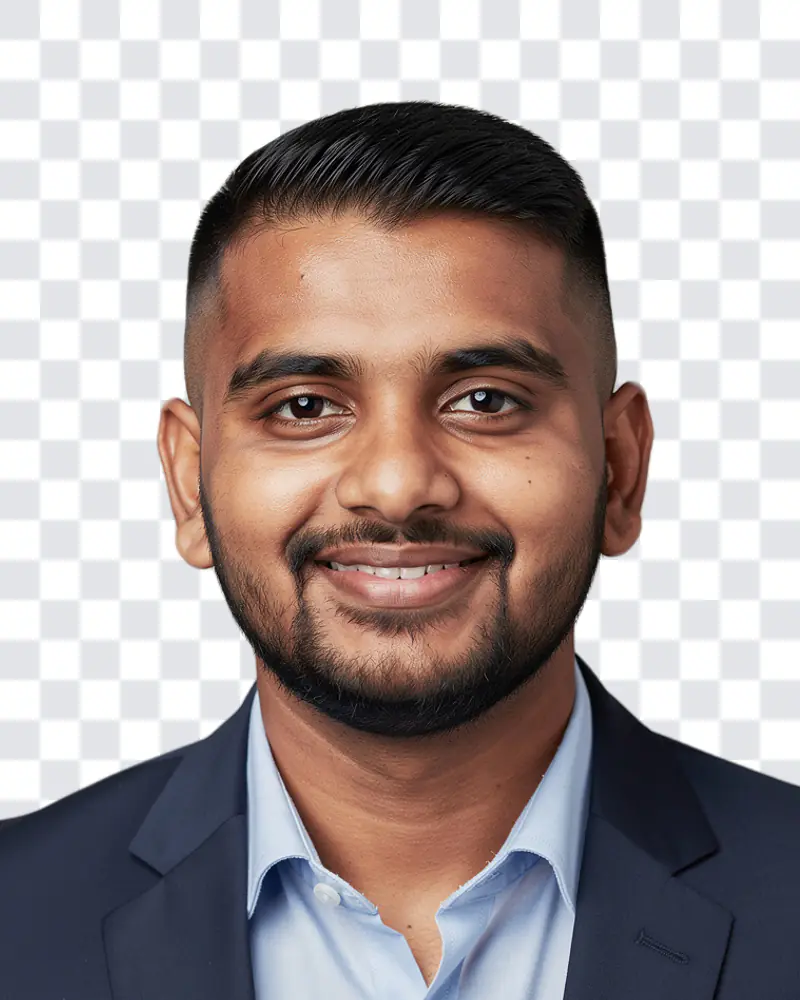
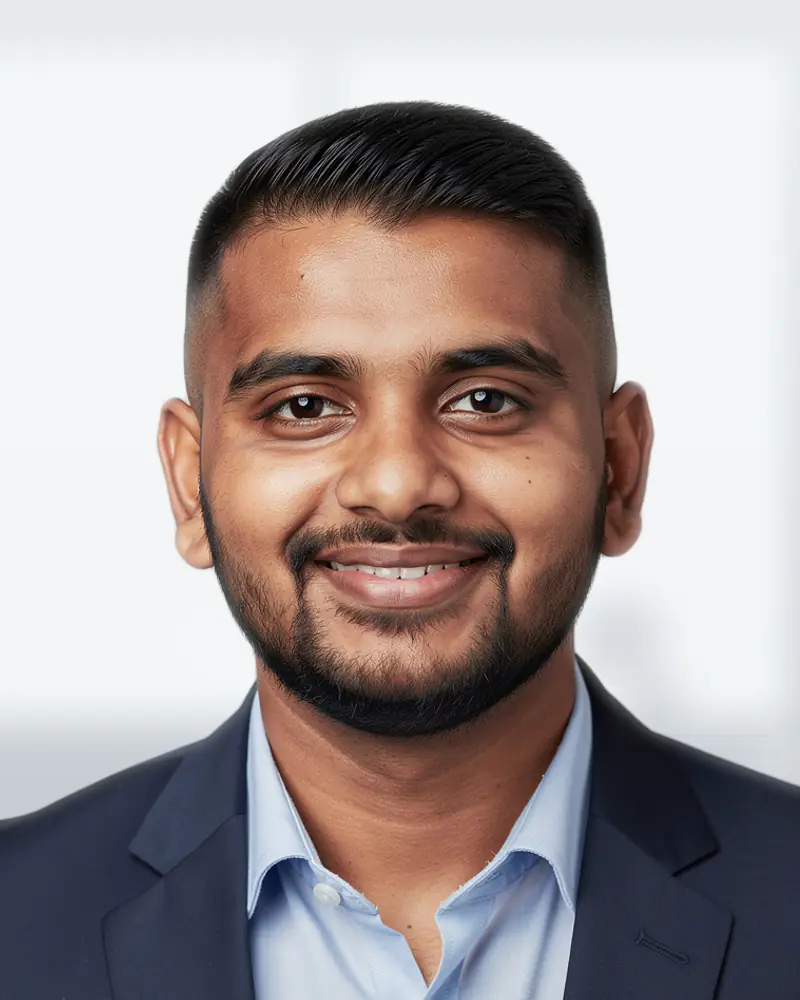
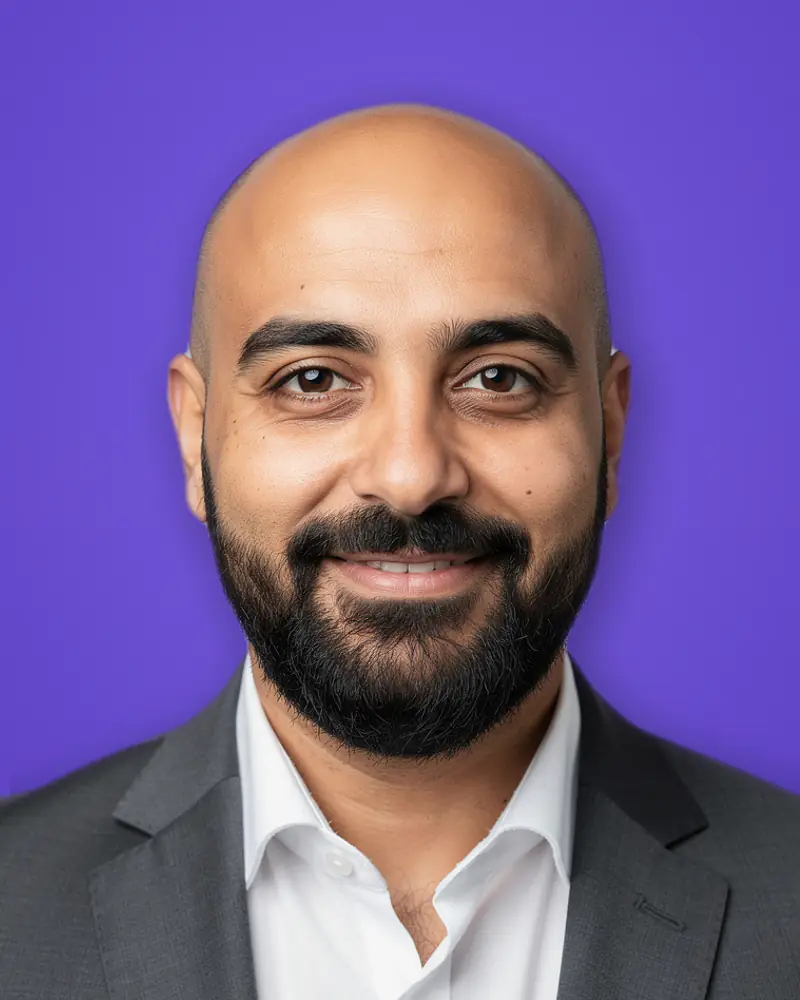
Colored background
In your brand colors.
Pick a color and it is applied with a slight gradient, so the background never looks flat.
Contrast with the outfit is checked automatically, to stay readable at small sizes.
1 credit2 to 4 images · around 4 minutes
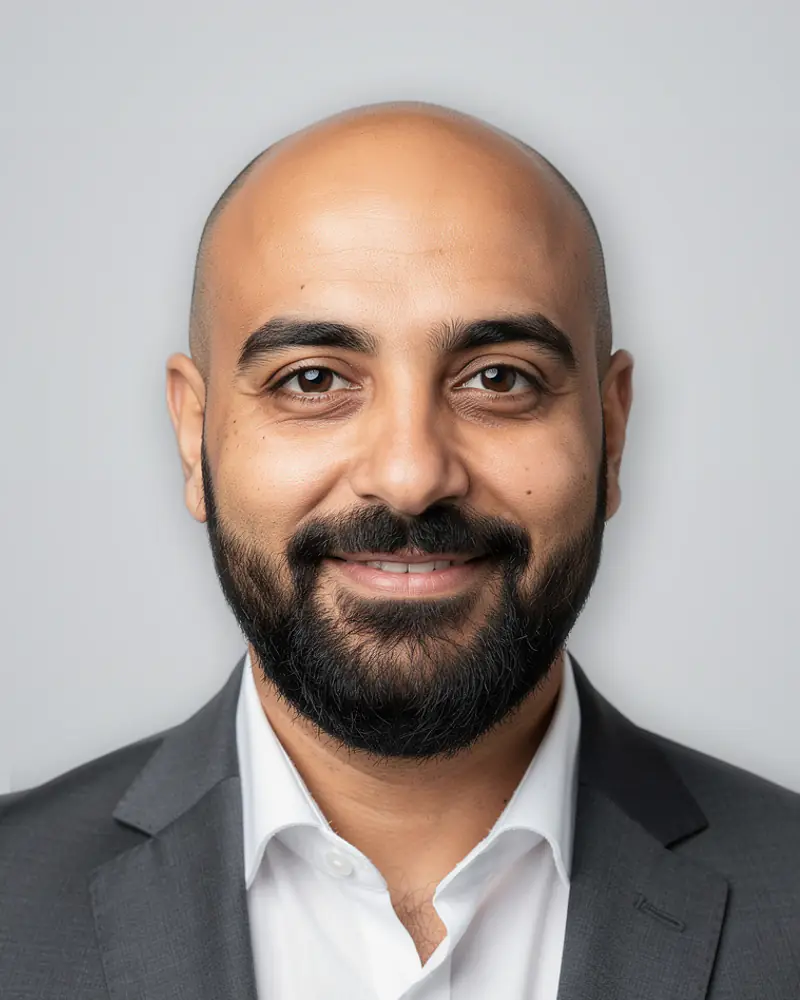
Human retouching
When automation is not enough.
Describe the correction you expect: a retoucher works by hand and sends the file back within 24 to 48 hours.
Included without limit on one photo with the most complete pack, billed per photo otherwise.
Included with the Expert packBack within 24–48 hours
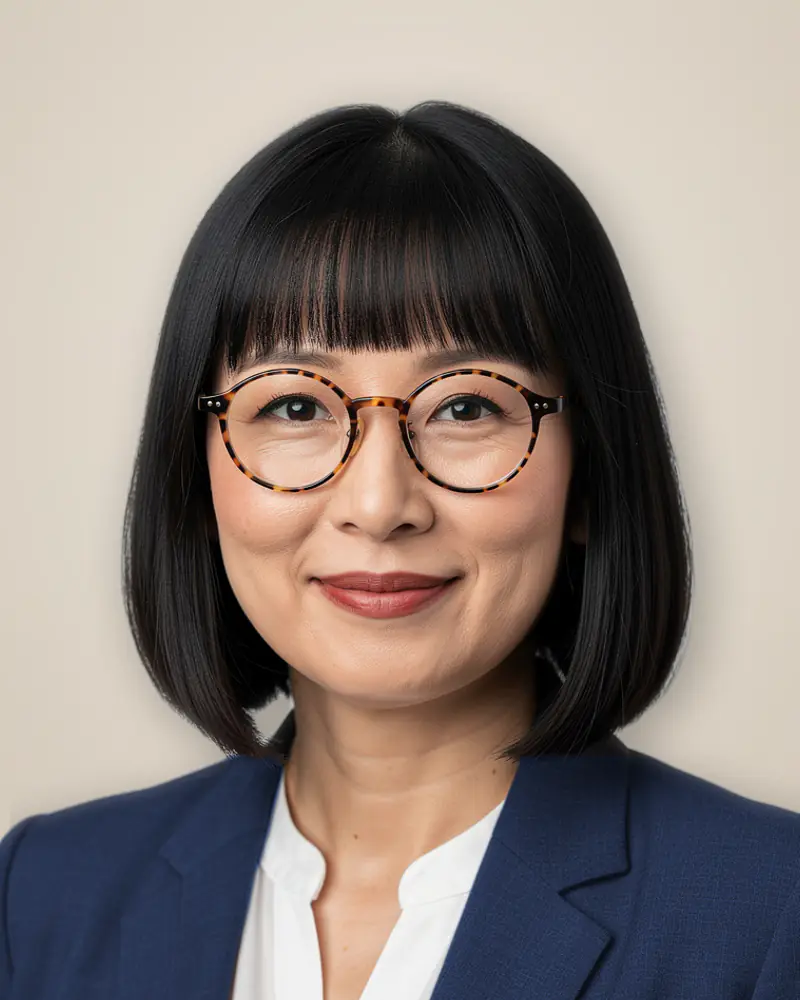
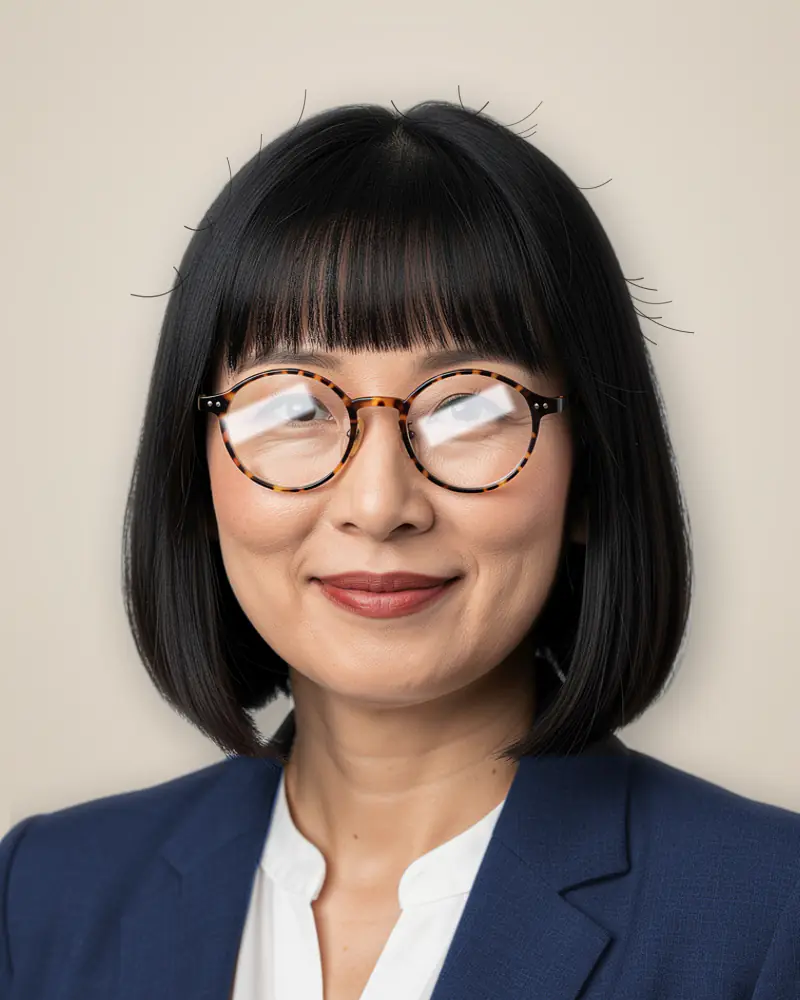
Smart eraser
Erase a detail, not the photo.
Brush over the area to remove: it is rebuilt from its immediate surroundings.
A reflection on glasses, a collar crease, an object in the background: gone without a trace.
1 credit2 to 4 images · around 4 minutes
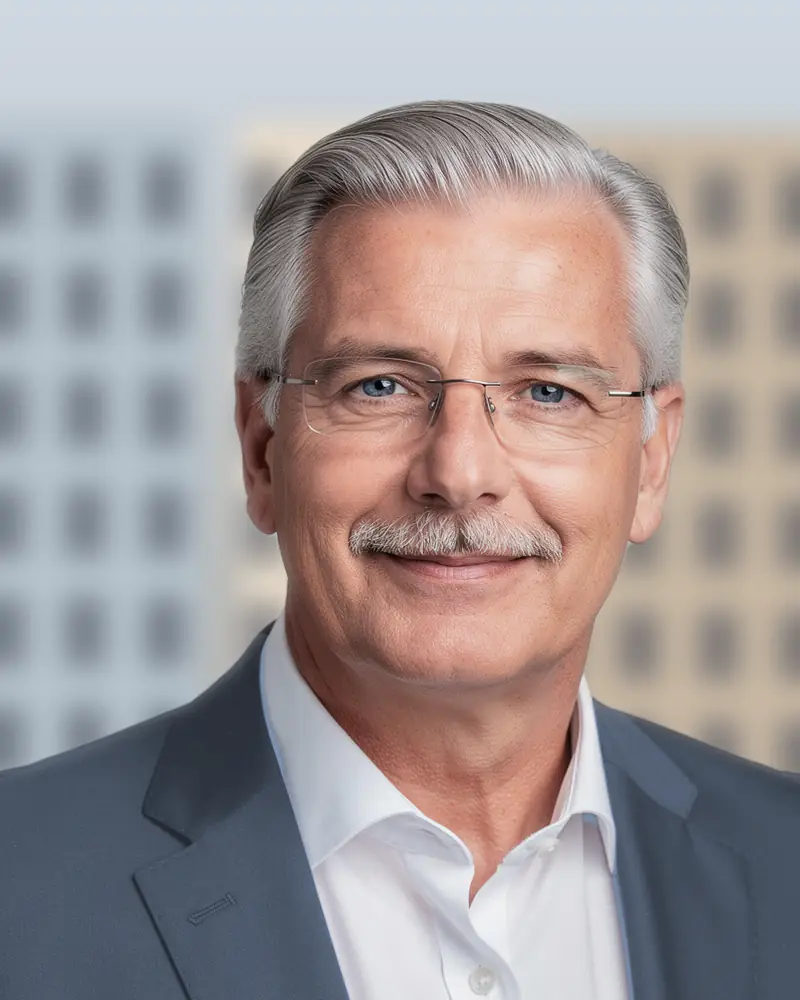
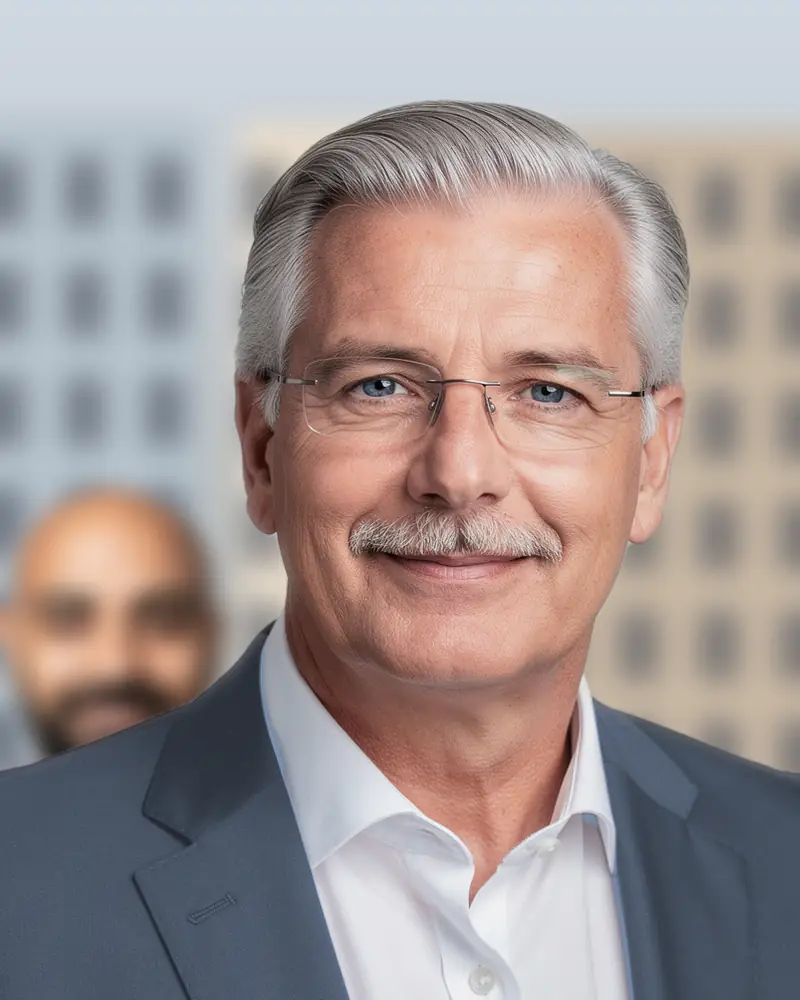
Guided correctionBeta
One instruction, one area, one result.
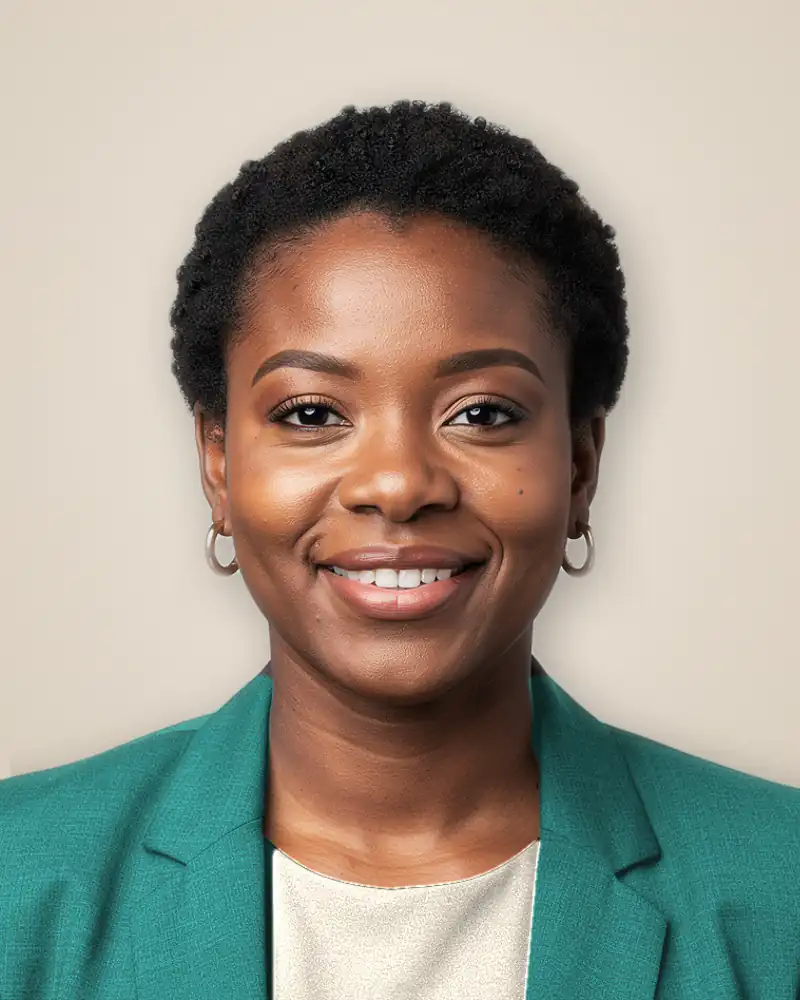
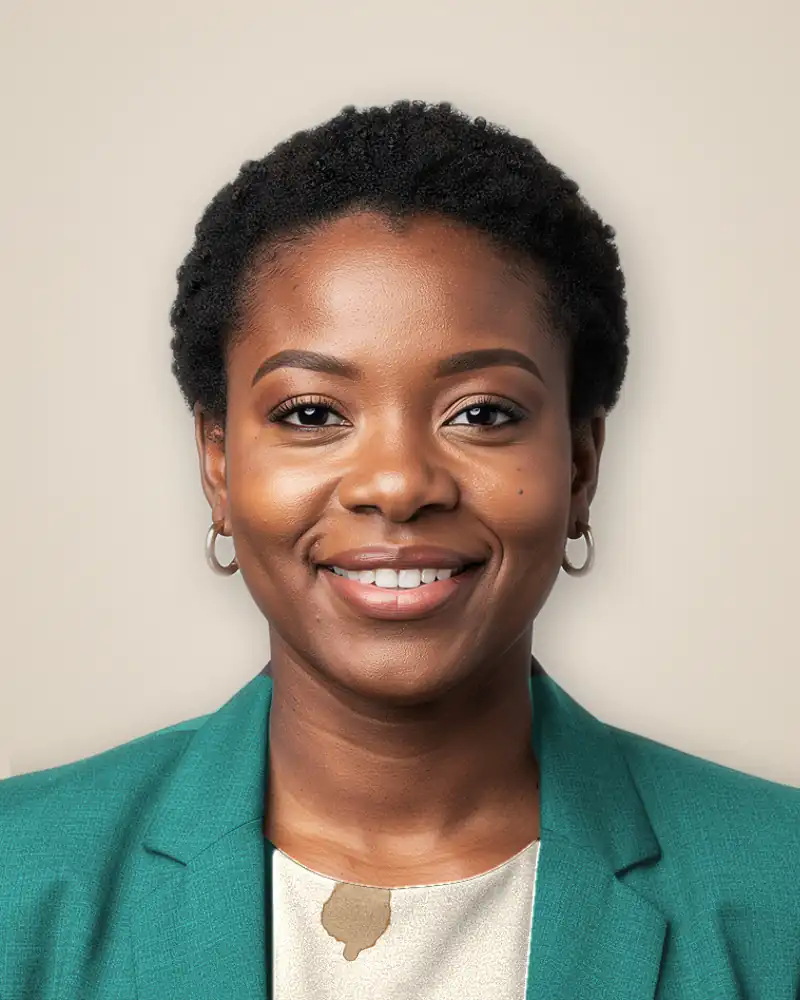
Combine a brush and a written instruction to fix a stain, a crease or a reflection precisely.
It is the freest tool in the Studio, and therefore the one that needs the most precise instruction.
2 credits2 to 4 images · around 4 minutes
AI photo retouching: what you can retouch on a headshot
AI photo retouching changes a photo from an instruction, without opening editing software. This AI retouching works on the headshots you have already received, in your web browser: you change the outfit, the background or a detail, and you can erase an unwanted object, while keeping your face and the lighting of the original. Each tool acts on one thing at a time, so the retouch stays predictable and you can improve the image step by step.
AI photo editing or manual retouching: what changes
Manual photo retouching relies on software, layers and skill, and it takes time, which is why many photographers charge for it. AI photo editing automates the repetitive part: skin smoothing, background removal, color and small fixes, without losing image quality. You keep control through your instruction, and you are not left with a result you cannot adjust. In photo retouching tools of all kinds, the questions to ask are the same: how much control do you get, how natural are the results, and how long does it take.
A retouching workflow in four steps
The retouching workflow is short: select the headshot, describe the change in plain language, generate the new version, then compare it with the original. For example, you can ask the editor to replace the gray jacket with a navy blazer. Combine a brush and a written instruction to correct a precise area, such as a reflection in glasses, a crease in a collar or a detail in the background. It is the most open tool, so it asks for the most precise instruction.
Background removal and object removal without a trace
The object eraser rebuilds the area from its surroundings: paint what bothers you and it disappears. For background removal, the new background keeps a depth of field consistent with the original framing, and the edge of the hair is reworked separately, where an automatic cut-out leaves a halo. You can also export a headshot on a transparent background as a PNG, or apply a brand color behind you.
Key features: skin, eyes and color adjustments
Skin correction evens out the tone and keeps the texture, which is what separates a photo retouch from a smoothing filter. The eye tool fixes a slightly off gaze or a blink. Color changes apply a brand color with a slight gradient to avoid a flat look. The intensity stays low on purpose, because beyond a point the result stops looking like you.
Online retouching: a free tool or the Studio included with your order
A free online photo retouching tool suits a single image you import from anywhere. The Studio works differently: it is included with every order and retouches the headshots delivered by the service, with the same face, light and style as your original set. If you want an editor for any picture, this is not it; if you want to adapt your headshots for social media, a resume or a team page, it is exactly what it is for. Retouching without losing quality is the aim, which is why each tool changes only the part you select.
How retouches are counted
A standard retouch uses one credit, and when automatic editing is not enough, a human retouch is available: describe the correction and a retoucher works on it by hand. See the pricing page for what each plan includes.
Questions about the Studio
Your headshots, adjusted as often as needed
Access comes with every order, one credit per standard retouch, and the commercial license covers every edited version.